Practical Rhino CAD tuition for boat covers, marine canvas and upholstery—with consultancy when you need a second pair of eyes.
I bring 45 years of practical experience to the way I teach and develop software, using CAD for marine canvas, boat-cover and upholstery design since 2001. The aim is the same: understand the design, prepare it properly and put CAD to work in your workshop.
Recorded Microsoft Teams sessions · In-person tuition available · Talk directly to John
Practical experience, brought into your CAD workflow.
Since 2001CAD for our marine trade
Your work. Your pace.Tuition shaped around your experience
Revisit the detailsTeams recordings with participant consent
THREE WAYS TO WORK TOGETHER
Learn the process. Improve the workflow.
For people getting started with marine CAD and experienced fabricators looking to develop the way they work.
TUITION
Rhino training for real jobs.
Personal CAD tuition built around your experience and the work you want to produce. Prepare measuring data, create clean surfaces, develop patterns and design framework.
Specialist tools developed around design and production tasks. Explore Bimini & Frame Designer, the current featured tool, and speak to me about your workshop needs.
The focus is practical marine work, not a general software course. We agree the subjects around your jobs, experience and goals.
Boat covers & marine canvas
Rhino workflows for biminis, sprayhoods, boat covers and canvas enclosures: organising measurements, modelling surfaces and developing patterns ready for workshop review.
Boat & marine upholstery CAD
Discuss how CAD can support the shapes, fit, pattern layout and design communication involved in your boat upholstery work. The training scope is agreed around your project.
Framework & pattern development
Connect the frame design to the canvas it supports. Work on surface direction, unrolling, seam allowances and clear production information.
A clearer fabrication workflow
Review how design data reaches the workshop, how parts are organised and where repeatable CAD methods or specialist tools could help.
FROM THE WORKSHOP
Real students. Practical results.
Shared with permission. Individual experiences, not a promise of the same results.
Testimonial 1 of 6
KALLUM, AJ CANOPIES
“These skills have transformed the way we work, resulting in significant time savings, greater accuracy, and a much more efficient workflow.”
REBECCA DELANO, ALFRED’S CANVAS
“John doesn’t simply teach software. He empowers you to understand how to use it as a real design and communication tool, and his enthusiasm makes the learning process enjoyable along the way.”
BRANDON, BOATSEW
“He explains in detail every step of the way and doesn't hurry through if you have questions. His deep experience in the industry really shows as well as his love for teaching.”
SAM, LION SAILS
“I had no experience in cad a few months back and now I’m producing sprayhoods that fit!”
STEVE VALVASORI
“His hard-won advice has helped me avoid mistakes I'd never have known to watch for. Highly recommended.”
DANIEL WHITE
“I can't recommend John's courses enough. I've both taken a pre-scheduled class and scheduled 1:1 sessions with him. I will likely do it again in the future.”
John Bland Tools is the software range within John Bland CAD, developed around practical fabrication tasks. Each tool will have its own explanation, examples and availability information as it is ready to introduce.
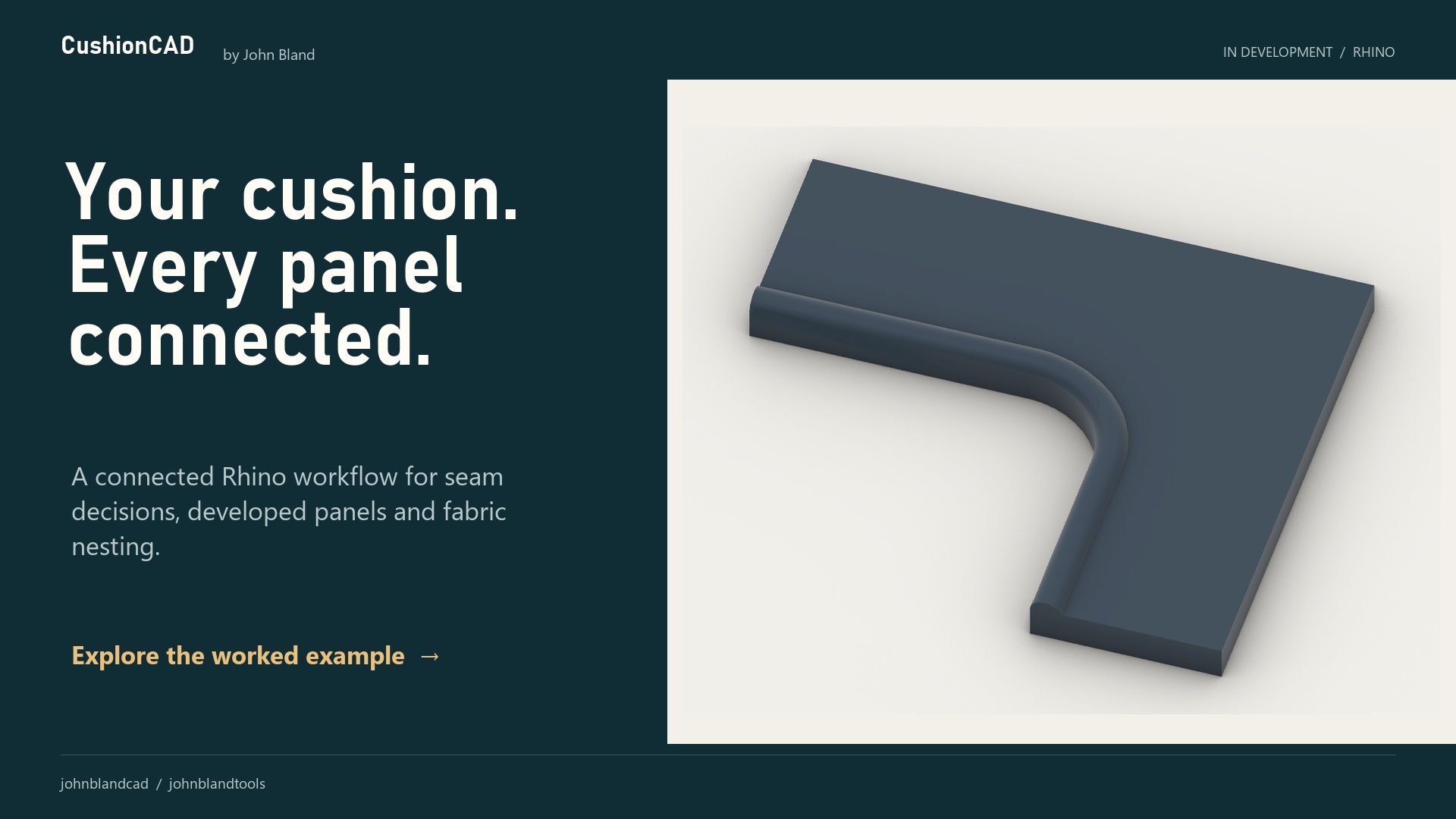
A guided Rhino 8 workflow from measurements or a 3D boat model to frame design, developed canvas panels, production nesting and client presentation images.
Three- and four-bar designs, dog legs, aft extensions, windows and blinds are shown in the demonstration.
I teach the work behind the software—not just where the buttons are.
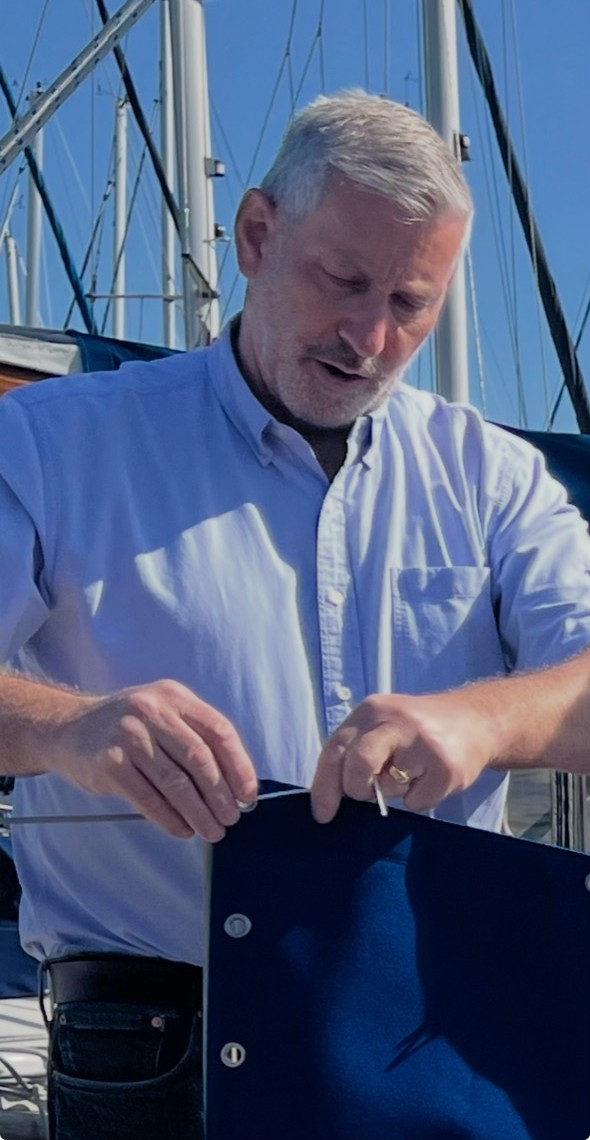
I’ve designed and developed marine canvas products since 1981, first using traditional methods and since 2001 using CAD. As Tecsew’s founder, my work spanned bespoke private commissions and production designs for boat builders, importers and dealers.
Today I help individuals and businesses worldwide—from their first steps in CAD to improving established design and workshop processes.
John Bland Marine CAD tuition · Consultancy · Fabrication tools
Marine Fabricator profiled John’s work at Tecsew, exploring his use of 3D CAD to develop marine canvas designs and help customers review them before manufacture.
In October 2015, Yachting Monthly reviewed a Tecsew cockpit enclosure designed through John’s CAD process and awarded it 10/10. This is historical recognition of the Tecsew project, not a review of current tuition or software.
Tell me about your experience and the jobs you want to work on. We can agree a starting point and session plan, whether you are new to marine CAD or improving an established workflow.
Can we work on boat covers, canvas or marine upholstery?
Those are the trade workflows this site is built around. Contact me with your project so we can agree the CAD subjects and practical scope of the tuition or consultancy.
Not yet. Bimini & Frame Designer is in development and beta testing. The public demonstration is available to watch, but trial registration, licence activation, payments and downloads are not open.
JOHN BLAND CAD & TOOLS NEWSLETTER
Put better CAD methods to work.
Practical Rhino CAD tips for boat covers and marine canvas, new fabrication tools, project ideas and tuition news.
Follow Bimini & Frame Designer and NestMate as they move towards launch.
Keep me in the loop.
Join my newsletter through the secure MailerLite signup form. Confirm your email address to complete your subscription.
Opens a MailerLite-hosted form. Unsubscribe at any time.
How your newsletter details are used
John Bland uses the email address you provide to send the CAD, tools and tuition newsletter through MailerLite. Signing up is optional and separate from tuition enquiries or software trials. Your details are not submitted from this website until you open and complete the signup form.
You can unsubscribe using the link in any newsletter or contact john@johnblandcad.com about your subscription or details. MailerLite hosts and processes the signup; see its privacy policy for information about its service.
TALK DIRECTLY TO JOHN
Start with the job you want to do.
New to Rhino, stuck on a pattern, or planning a better workshop workflow? Choose a starting point below.
I want to learn Rhino
Tell me your experience and what you want to make. Tuition is £200 per hour, with a two-hour minimum. No VAT charged.
These buttons open a draft in your email app; nothing is sent automatically. No mail app set up? Email john@johnblandcad.com from your usual email service. Please describe the job before sending confidential customer files.